Введение
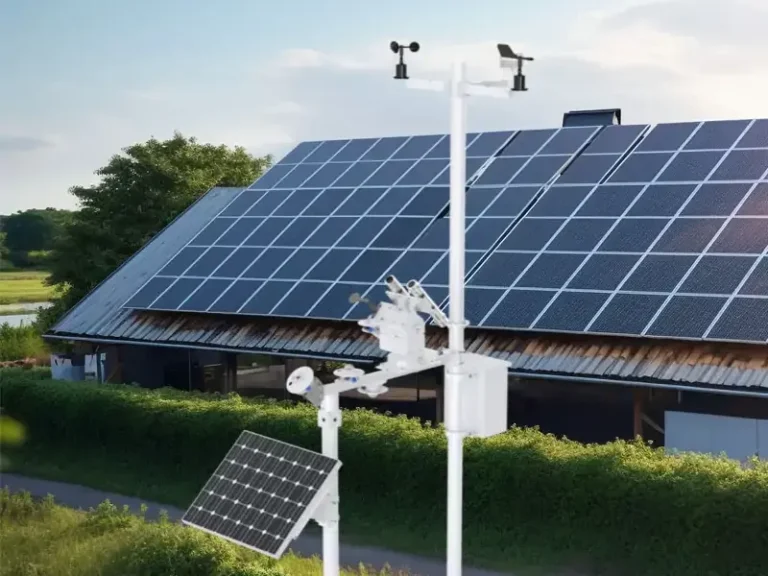
Solar monitoring systems are typically installed outdoors and exposed to dust, rain, humidity, and temperature changes. Over time, dust can affect sensor measurements, moisture can damage cable connections, and battery performance may decline. If these issues are not detected in time, monitoring data may become inaccurate or intermittent, even when the station is still operating.
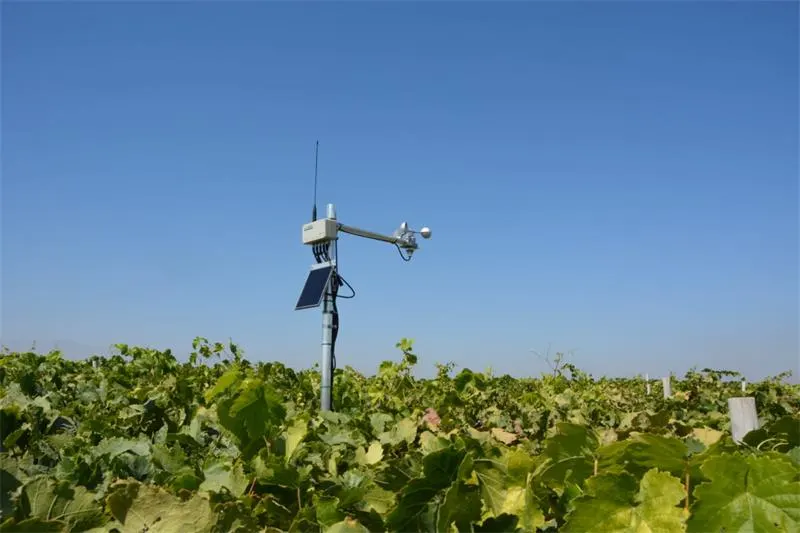
Knowing how to maintain solar monitoring systems helps operators keep sensors and monitoring equipment working properly. Routine checks should include sensor surfaces, mounting conditions, cable connections, power supply, data loggers, and communication signals. This guide explains what to inspect, how often to perform maintenance, and how to identify common problems. First, let’s look at the main components that need regular inspection.
What Does Solar Monitoring System Maintenance Involve?
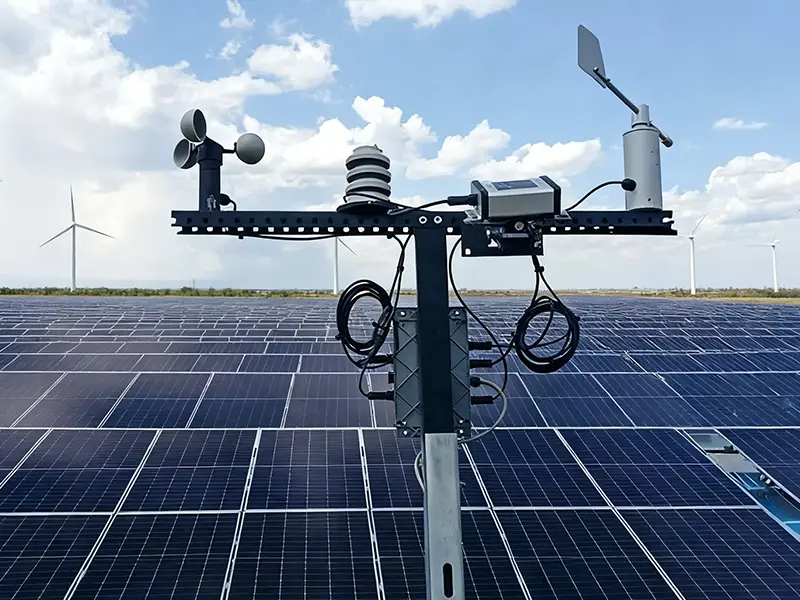
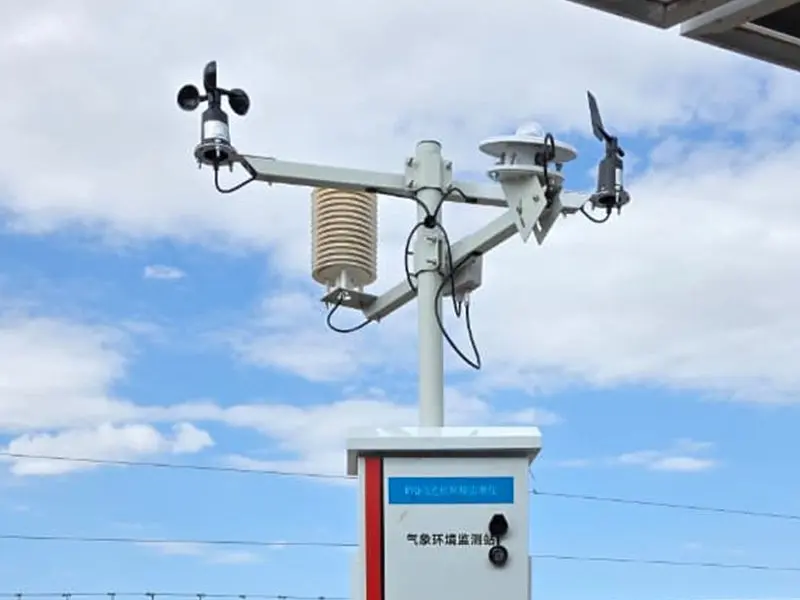
Solar monitoring system maintenance involves more than cleaning solar panels. It covers the inspection and upkeep of solar monitoring sensors, power supply, data loggers, communication equipment, and monitoring platforms. Each part needs to work properly to ensure that measurements are collected, stored, and transmitted correctly.
Main Components That Require Regular Maintenance
| System Component | Основная функция | Maintenance Focus |
| Датчики солнечной радиации | Measure solar irradiance at the monitoring site | Clean the sensor surface, check mounting level and exposure, and arrange calibration when required |
| Датчики погоды | Measure temperature, humidity, wind speed, wind direction, and rainfall | Remove dust and debris, inspect sensor condition, and check installation and moving parts |
| Источник питания | Provides power to the monitoring equipment | Inspect the solar power panel, battery, charge controller, and cable connections |
| Регистратор данных | Collects and stores sensor readings | Check data collection, storage capacity, timestamps, and channel status |
| Модуль связи | Transfers monitoring data to the platform | Check network signals, communication interfaces, and data transmission |
| Платформа мониторинга | Displays readings, historical data, and system alerts | Check data updates, record completeness, and alert settings |
Each component has different solar monitoring maintenance requirements. Dust or water deposits on a solar radiation sensor can affect irradiance measurements, while incorrect positioning or nearby obstructions may also affect readings. Wind sensors need clear exposure and, depending on their design, checks of moving parts. Power supply problems can interrupt station operation, while data logger or communication faults may cause missing records even when the sensors are working normally.
Yantai Sensor manufactures solar radiation sensors and weather monitoring equipment for PV and environmental monitoring applications. Its product range includes individual sensors and integrated weather monitoring equipment for measuring different environmental parameters.
Why Routine Maintenance Matters for Monitoring Accuracy?
Routine solar monitoring maintenance helps keep sensor readings accurate and monitoring equipment running properly. Dust on sensor surfaces, blocked airflow around weather sensors, or changes in mounting position can affect measurement results. Battery degradation, loose cable connections, and communication faults may also interrupt data collection or transmission. Regular inspections help operators identify these problems before they lead to inaccurate readings or unexpected downtime.
Solar monitoring maintenance also helps protect equipment and keep monitoring records complete. Checking sensors, cables, enclosures, batteries, and data loggers can reveal corrosion, physical damage, and other signs of wear before they cause equipment failure. This is particularly important at remote monitoring sites, where missing data or equipment faults may not be noticed immediately.
Once the main components and their maintenance needs are clear, the next question is how often they should be checked. Some equipment can be monitored remotely, while sensor cleaning, hardware inspection, and calibration require scheduled on-site maintenance.
How Often Should Solar Monitoring Systems Be Maintained?
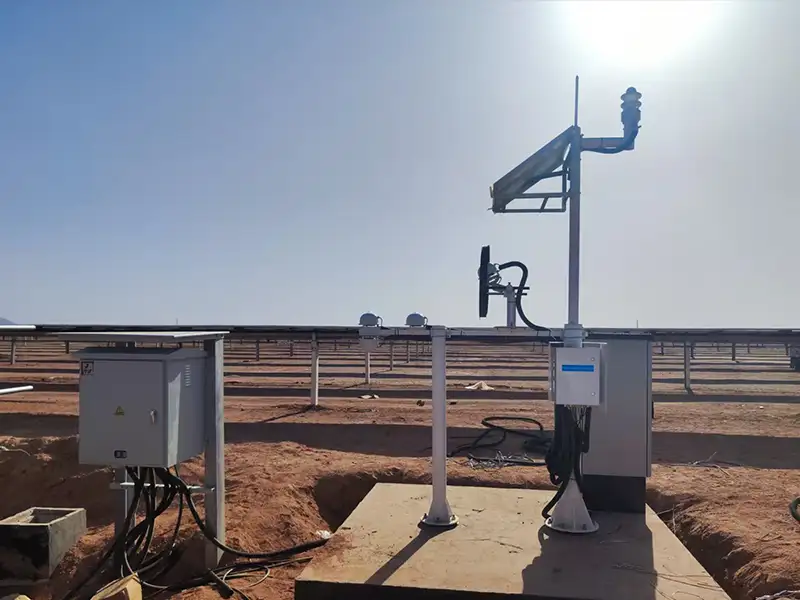
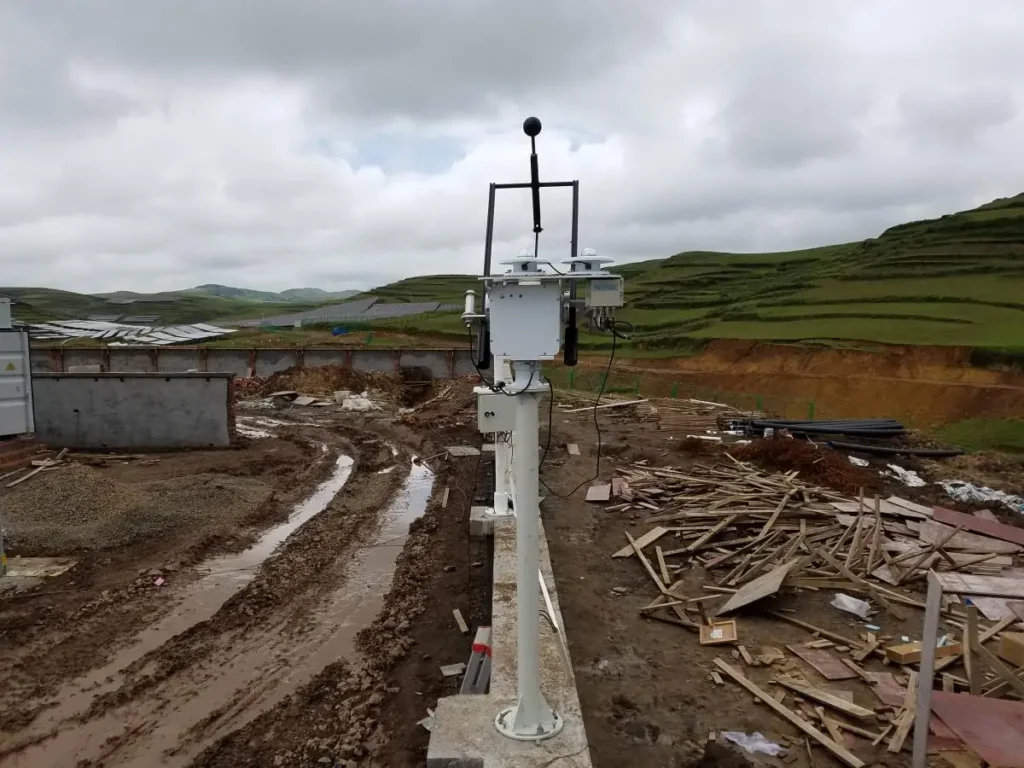
Solar monitoring systems need regular checks to keep sensors working properly and prevent data loss. How often maintenance is needed depends on the equipment, site conditions, and manufacturer’s instructions. Most solar monitoring system Inspectionplans include daily or weekly remote checks, monthly inspections, quarterly site visits, and more detailed maintenance once or twice a year.
Daily and Weekly Remote Monitoring
Operators can check the station’s online status, battery voltage, charging data, and sensor readings through the monitoring platform. A battery level that keeps dropping on sunny days may point to poor charging or battery deterioration. Readings that suddenly fall to zero or stop updating may indicate a sensor, power supply, or communication problem. Check the system records before deciding whether a site visit is needed.
Monthly System Inspections
Dust and other deposits can build up on sensor surfaces and solar power panels, even when the station continues to operate normally. Monthly inspections are a good time to check these surfaces, along with the battery, charge controller, and communication connections. Cleaning frequency should match local conditions, such as dust levels, bird activity, and rainfall. Not every site needs the same cleaning schedule.
Quarterly On-Site Inspections
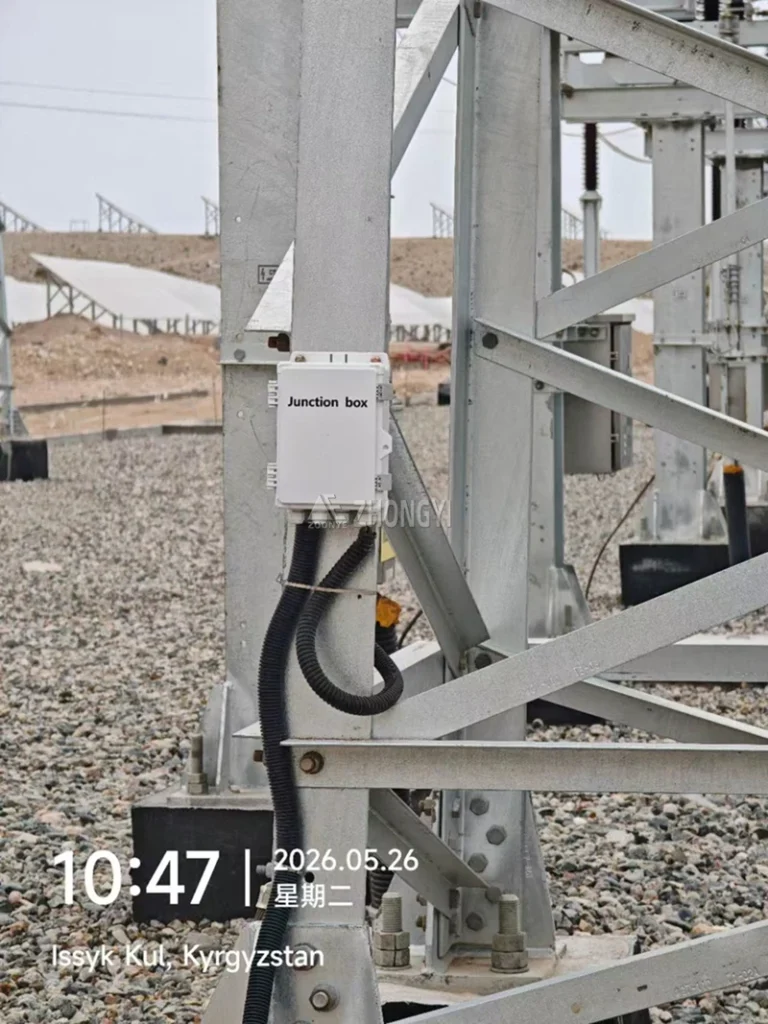
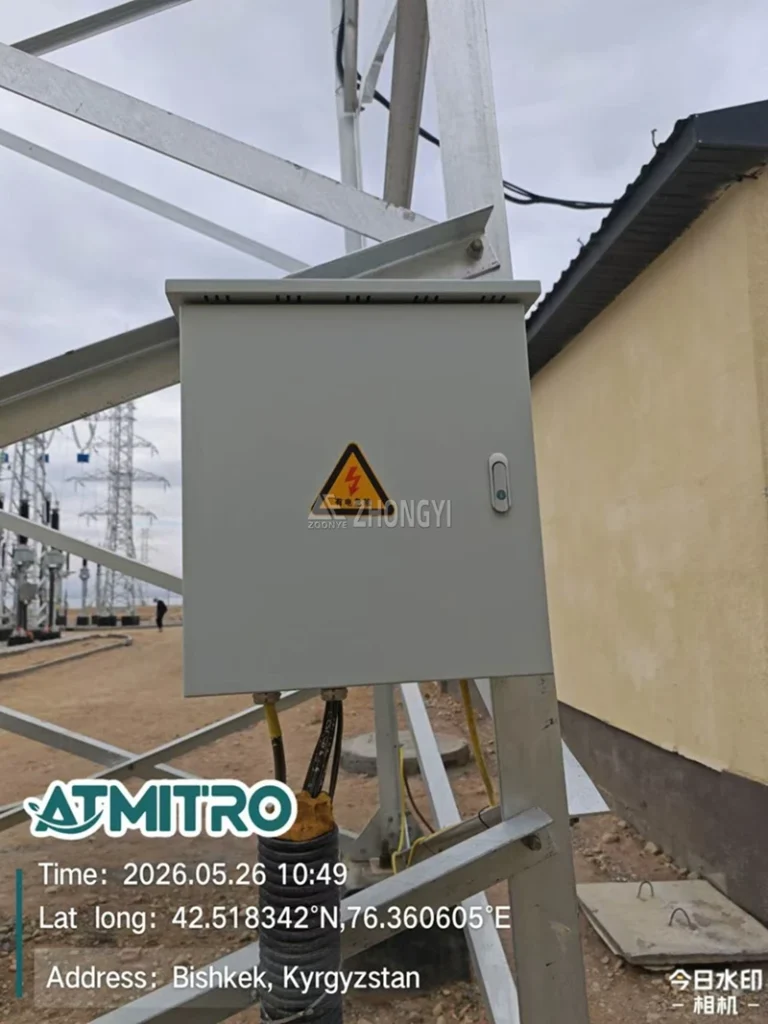
Remote checks cannot show every physical problem. During a quarterly solar monitoring system inspection, solar monitoring maintenance teams should look for loose mounting bolts, damaged cables, corrosion, water entry, and changes in sensor position. The equipment enclosure, communication antennas, support pole, and foundation also need attention, particularly at sites exposed to strong wind or heavy rain.
Semi-Annual and Annual Maintenance
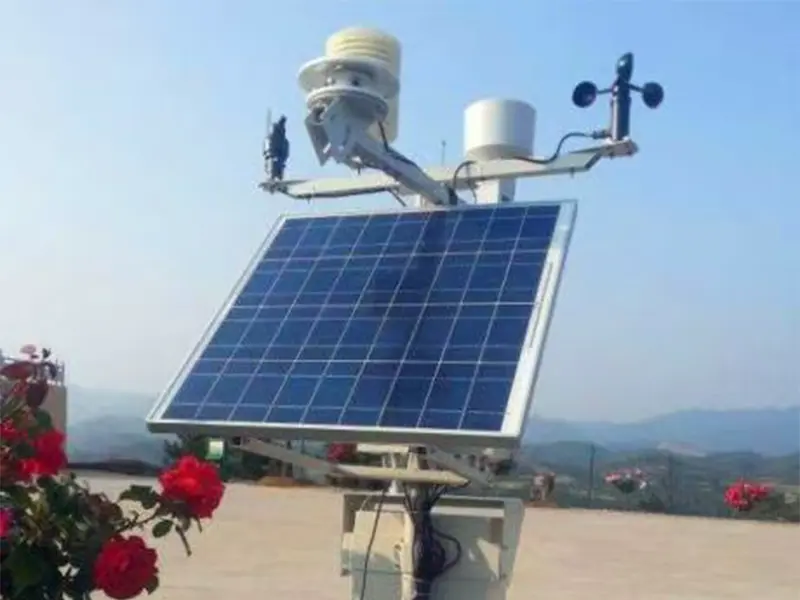
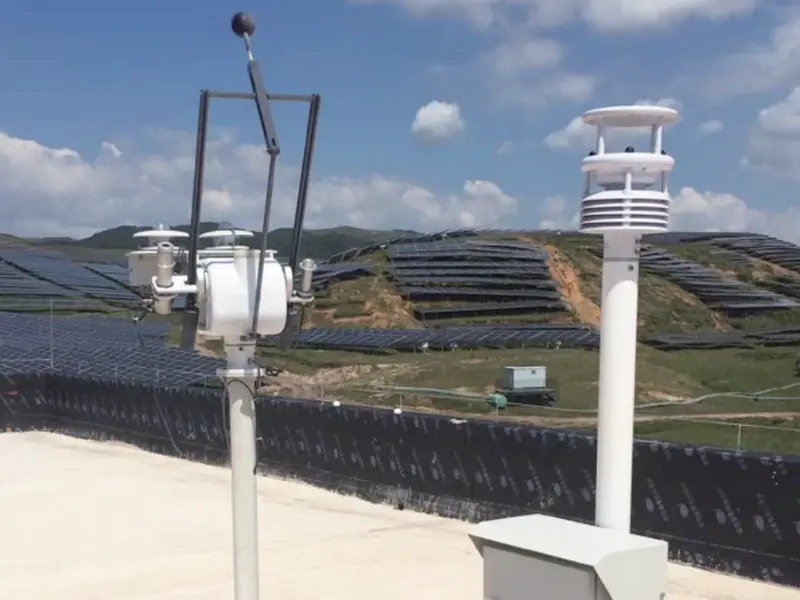
Some checks need professional tools and testing. Solar radiation and weather sensor calibration should follow the manufacturer’s recommendations and the measurement requirements of the project. Battery performance, waterproofing, grounding, insulation, and lightning protection should also be reviewed. Electrical inspections must follow local standards and be handled by qualified personnel.
Solar Monitoring Maintenance Schedule
| Maintenance Frequency | Inspection Type | Main Tasks |
| Daily / Weekly | Удаленный мониторинг | Check online status, battery and charging data, sensor readings, and system alerts |
| Monthly | Basic Inspection | Clean sensor surfaces and solar power panels; check batteries, charge controllers, and communication connections |
| Quarterly | On-Site Inspection | Inspect mounting brackets, cable connections, enclosures, antennas, and support structures |
| Semi-Annual / Annual | Technical Maintenance | Review sensor calibration, battery condition, grounding, insulation, and lightning protection |
A suitable solar monitoring maintenance schedule helps operators plan site visits and avoid overlooking important equipment checks. With the inspection intervals established, the focus can now shift to individual sensors and the correct ways to clean and maintain them.
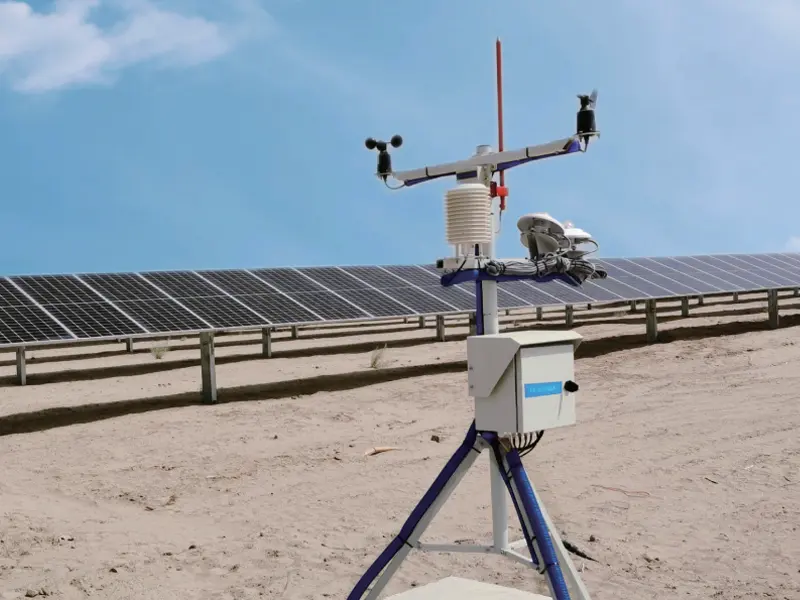
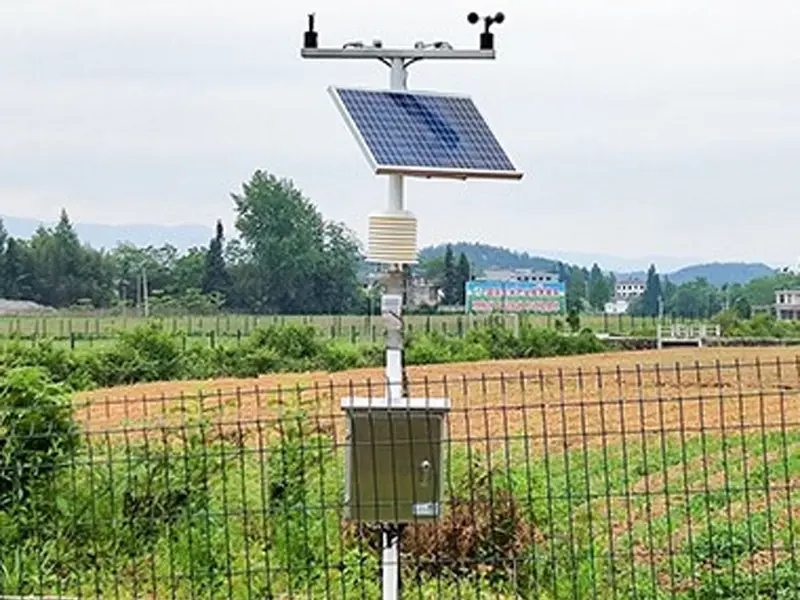
How to Clean and Inspect Solar Monitoring Sensors?
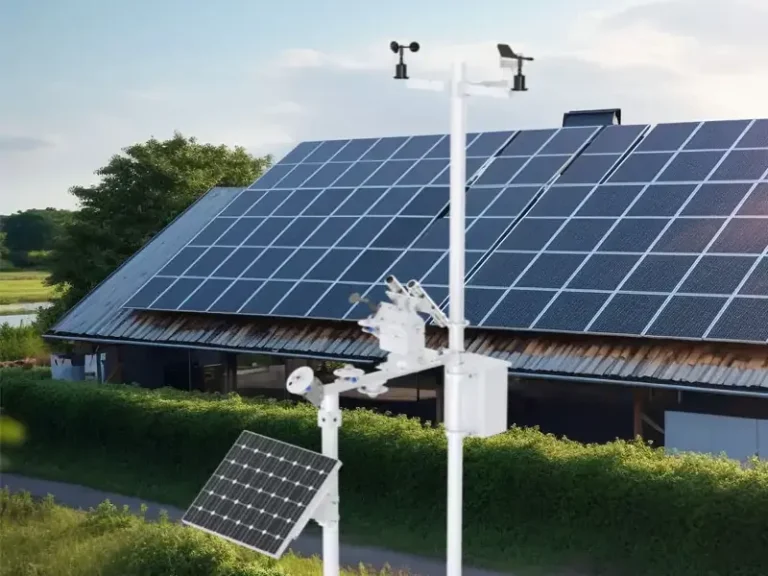
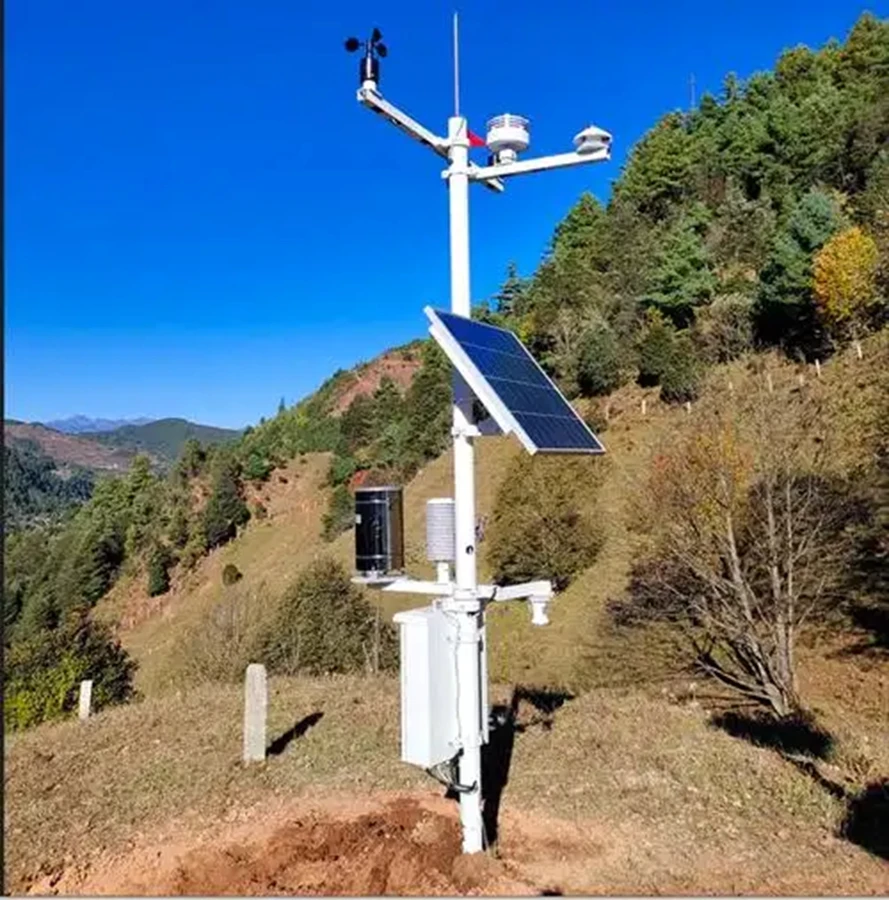
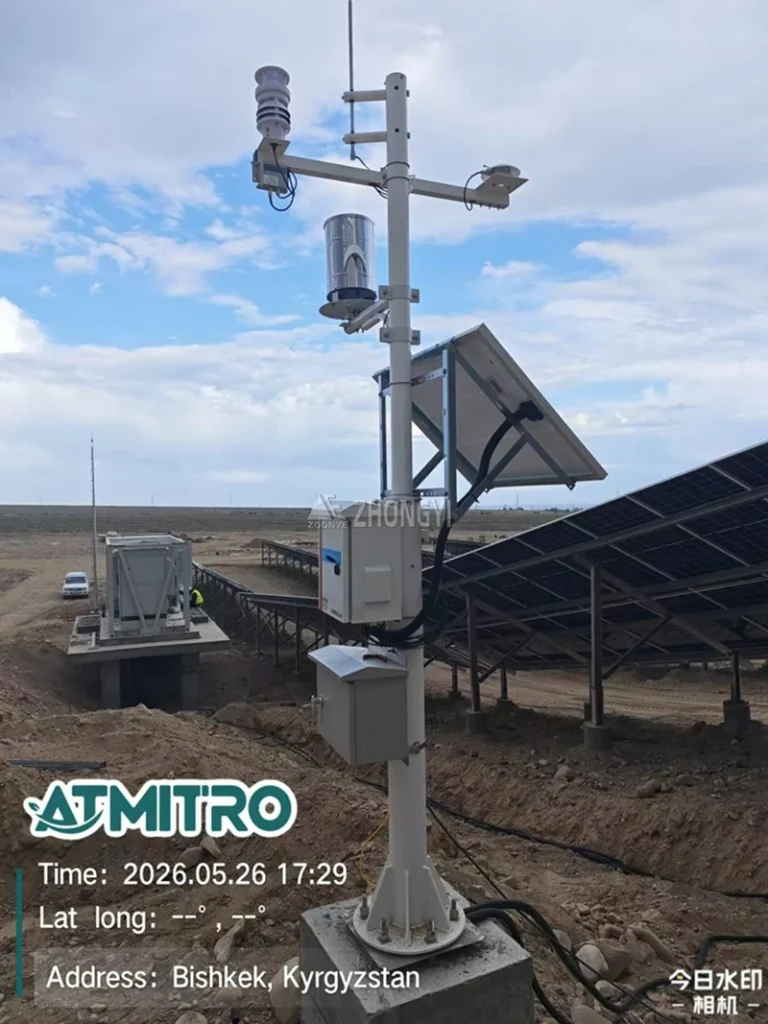
Outdoor sensors are exposed to dust, rain, moisture, and changing temperatures throughout the year. Dirt on optical surfaces, blocked airflow, loose connections, or changes in sensor position can affect measurement results. The right maintenance method depends on the type of sensor and how it works. Regular cleaning and basic inspections help keep solar monitoring sensors in good condition and reduce the risk of inaccurate or missing data.For integrated PV environmental monitoring, a compact solar monitoring weather station combines irradiance, ambient temperature, and module temperature measurements in one unit.
How to Maintain Solar Radiation Sensors?
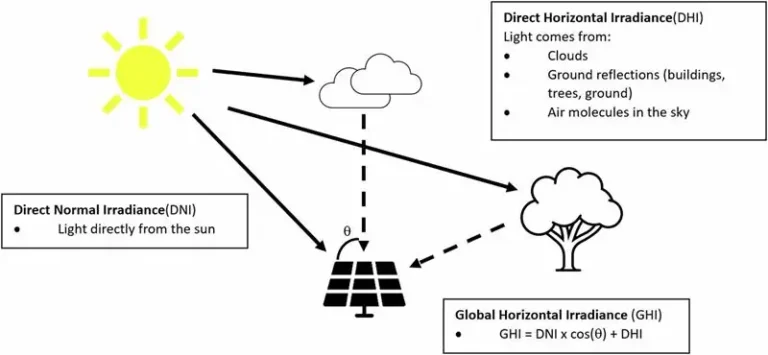
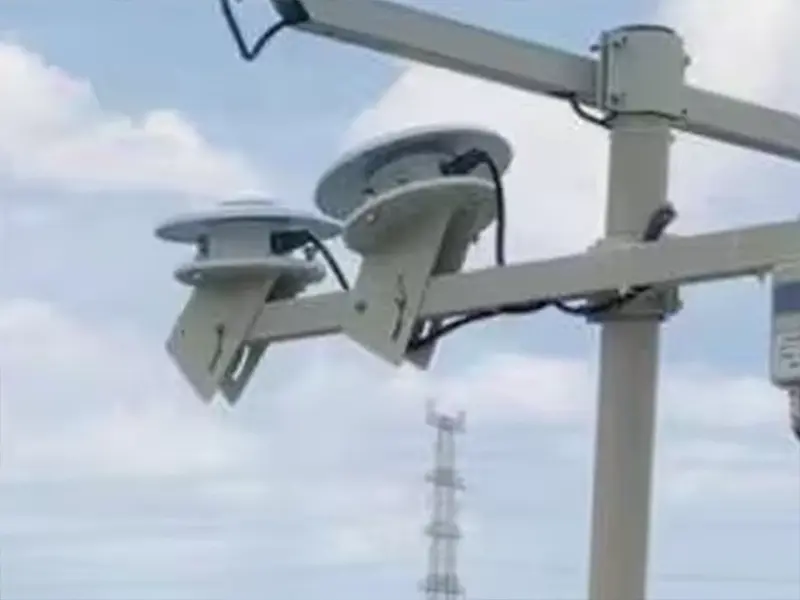
Dust, bird droppings, and water stains on a pyranometer’s glass dome can interfere with incoming solar radiation. Clean the surface with a soft, lint-free cloth and avoid abrasive materials or strong cleaning agents. The sensor should also remain level, securely mounted, and free from nearby shading. Check its cable connections and follow the manufacturer’s recommendations for calibration.
Yantai Sensor’s TBQ-2C Class 1 Pyranometer has a spectral response range of 0.3–3.2 μm. For PV operators who need to track dust buildup on modules, монитор состояния загрязнения фотоэлектрических модулей DustLV и Система мониторинга индекса запыленности фотоэлектрических систем DustCom provide additional monitoring options. Their dust data can help O&M teams assess module contamination and plan cleaning based on actual site conditions.
How to Maintain Temperature and Humidity Sensors?
Dust and insects can collect inside the radiation shield and restrict airflow around the sensing element. Remove debris from the shield and look for cracks or damage. Keep the sensor away from nearby heat sources and obstructions that may affect readings. Do not apply cleaning liquids directly to the sensing element unless the product instructions allow it.
How to Maintain Wind Speed, Wind Direction and Rainfall Sensors?
The inspection method varies with sensor design. Mechanical cup anemometers should rotate freely, while ultrasonic wind sensors need clear sensing paths. Wind direction sensors must remain correctly aligned and move without obstruction. For tipping-bucket rain gauges, clear leaves and insects from the funnel and drainage path. Optical rain sensors need a clean detection surface.
Inspecting Sensor Mounts, Alignment and Cables
Loose brackets, tilted support poles, or damaged cables can affect readings even when the sensors themselves are clean. Check mounting bolts, sensor height and orientation, cable insulation, connectors, and waterproof seals. Pay particular attention to corrosion, UV damage, and signs of water entry at outdoor connections.Correct sensor positioning and secure installation are also important for measurement accuracy. See our guide to PV monitoring installation for more details on sensor placement, wiring, and system commissioning.
Sensor cleaning and inspection help maintain measurement quality, but the station also needs a stable power supply. Battery condition, solar charging, and controller operation are the next areas to review.

How to Maintain the Solar Power Supply and Battery System?
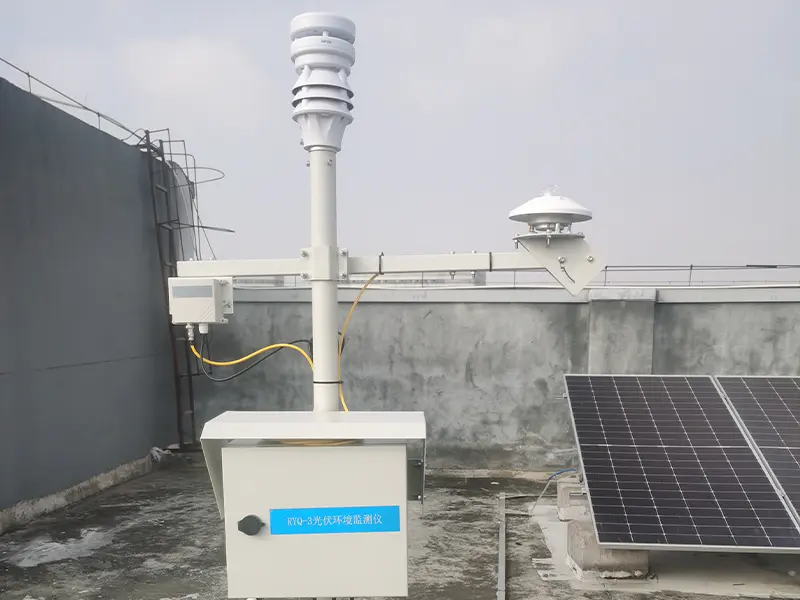
A stable solar monitoring system power supply is necessary for continuous data collection, especially at remote sites without grid access. Dust on the solar panel, battery deterioration, or a faulty charge controller can lead to insufficient charging and unexpected equipment shutdowns. Regular solar monitoring system maintenance should focus on the solar power panel, battery, and electrical connections to keep the monitoring station running.
Inspecting and Cleaning Solar Power Panels
Dust, leaves, and bird droppings can reduce the sunlight reaching the solar panel used to power the monitoring station. Clean the surface with water and a soft cloth or sponge, following the panel manufacturer’s instructions. Avoid abrasive tools and harsh chemicals. Also look for cracks, loose mounting bolts, corrosion, and shading from nearby trees or buildings.
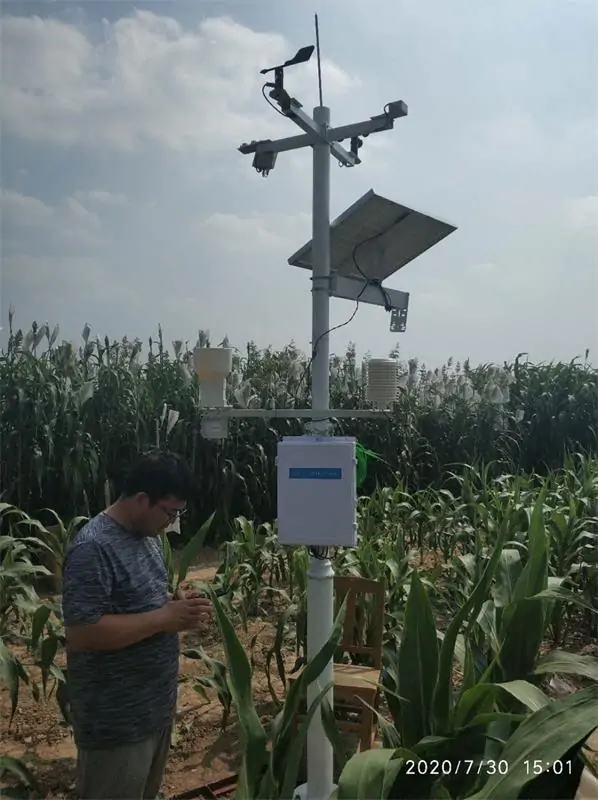
For solar powered weather station maintenance, charging data is useful for identifying problems. If the battery does not charge properly on sunny days, check the panel surface, installation position, and cable connections before replacing components.
Checking Battery Condition and Charging Performance
The solar monitoring station battery stores power for nighttime operation and periods of low sunlight. Check battery voltage and charging records against the manufacturer’s specifications. Look for swelling, leakage, corrosion, unusual heat, or moisture inside the battery enclosure.
Good battery solar monitoring system maintenance also requires more than checking voltage. Charging history, load conditions, operating temperature, and battery type all affect battery health. Keep records of installation dates and inspection results to help determine when the battery needs replacement.
Inspecting Charge Controllers and Electrical Connections
The charge controller regulates power from the solar panel to the battery and manages charging and discharge protection. During a solar charge controller inspection, check status indicators, fault codes, charging records, and low-voltage protection settings. Make sure the settings match the battery type and solar monitoring system inspection requirements.
Loose or corroded terminals, damaged cable insulation, and worn waterproof connectors can interrupt power delivery. Electrical terminal work, insulation testing, and live electrical inspections should be handled by qualified personnel according to the equipment manual and local safety requirements.
A stable power supply keeps the monitoring station running, but it does not guarantee that data is collected and transmitted correctly. Data loggers, communication modules, and remote monitoring platforms also need regular inspection.
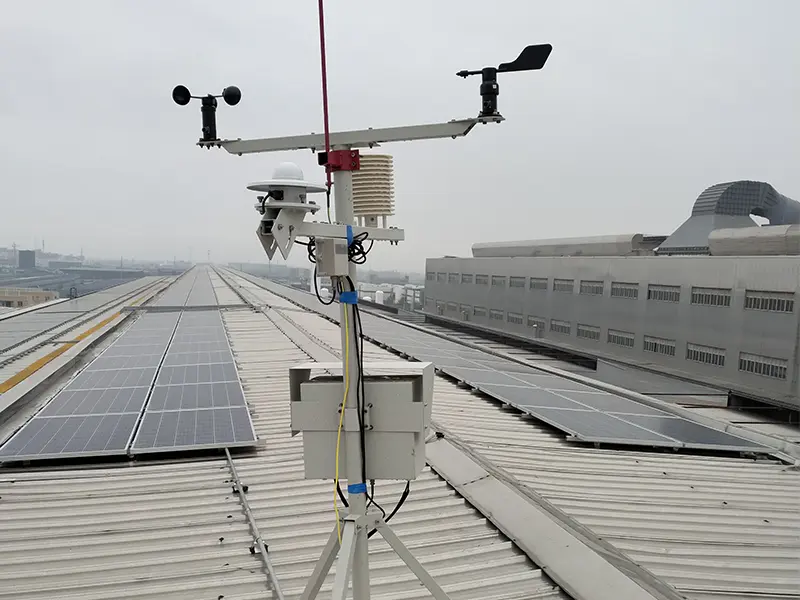
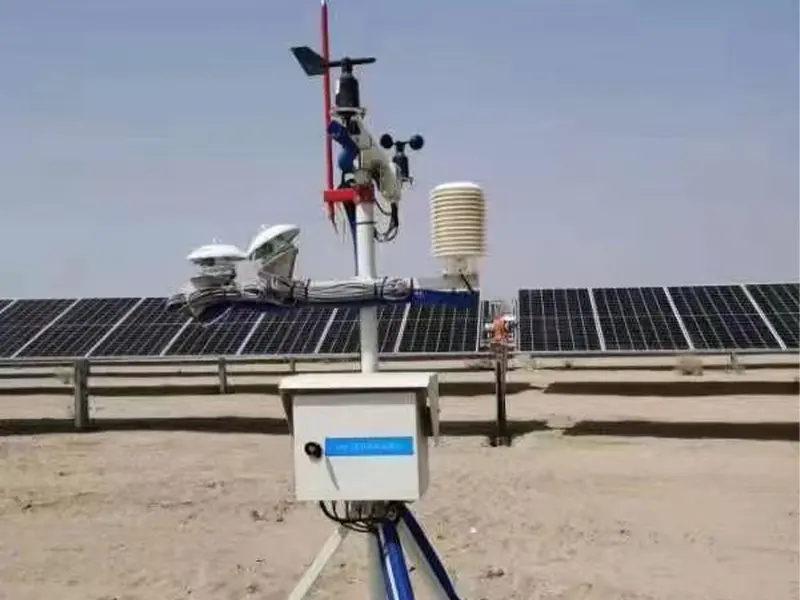
How to Maintain Data Loggers and Communication Systems?
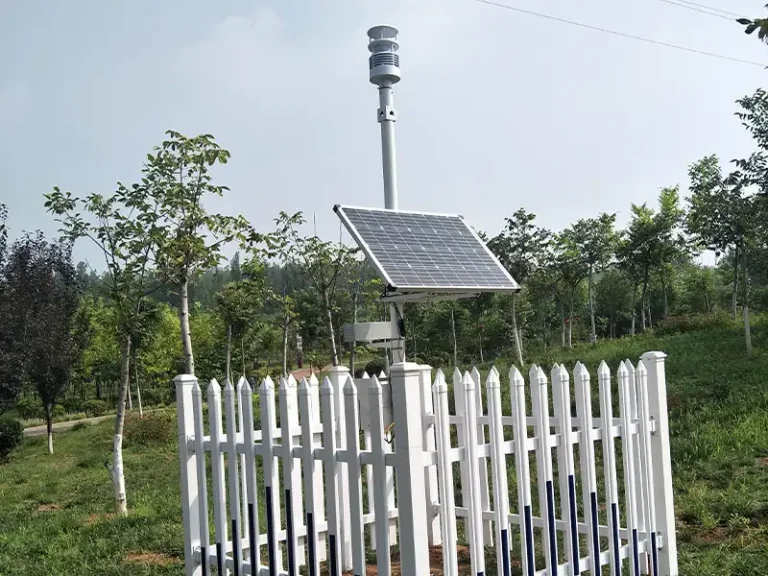
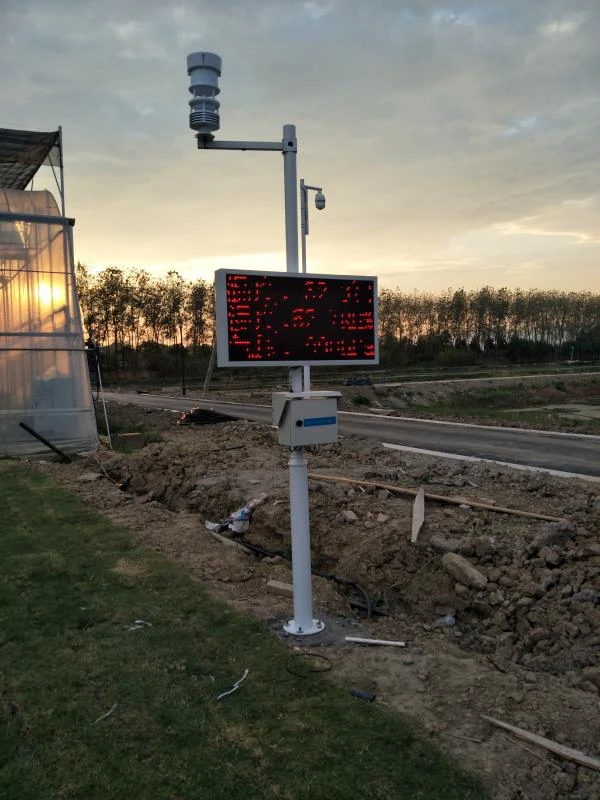
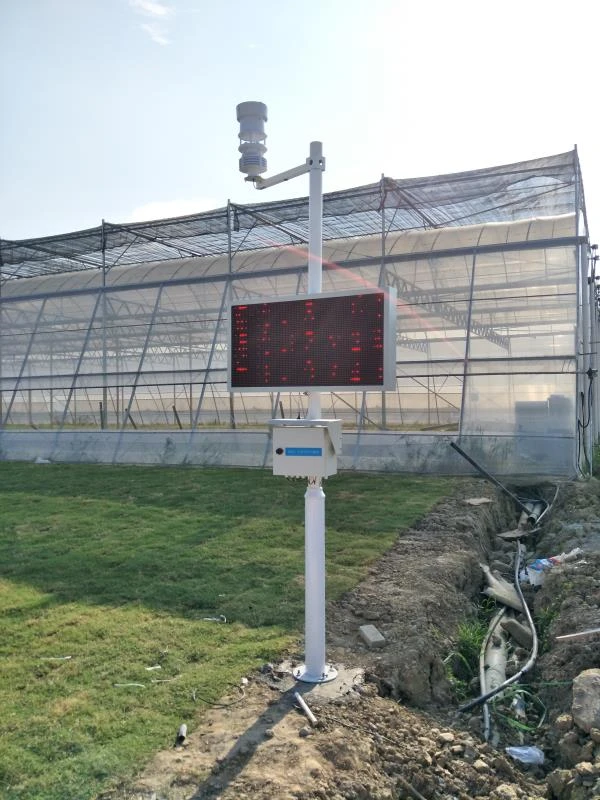
Data loggers collect sensor readings, store records, and send data to the monitoring platform. Faults in data collection or communication can leave gaps in monitoring records, even when the sensors and power supply are working normally.For multi-parameter monitoring applications, a weather station monitoring system integrates sensors, data loggers, power supplies, and communication modules for continuous environmental data collection.
Checking Data Logger Operation and Data Storage
Check that all connected sensors are sending readings to the data logger at the correct intervals. Review channel status, timestamps, and storage space, and back up historical data regularly. A device showing as online does not mean every sensor channel is recording properly. If the logger supports local data storage, check that records can be uploaded after a network interruption.
Inspecting Communication and Data Transmission
Check network signals, antennas, cables, and connectors according to the station’s communication setup. For RS485 and Modbus RTU connections, make sure device addresses and baud rates match. Yantai Sensor offers weather monitoring products with RS485 and Modbus communication options for compatible data loggers. Also check whether platform readings update on time and whether missing data is recovered after a connection failure.
A successful upload does not always mean the readings are accurate. A dirty or faulty sensor may still send data to the platform. The next section covers how to identify incorrect readings.
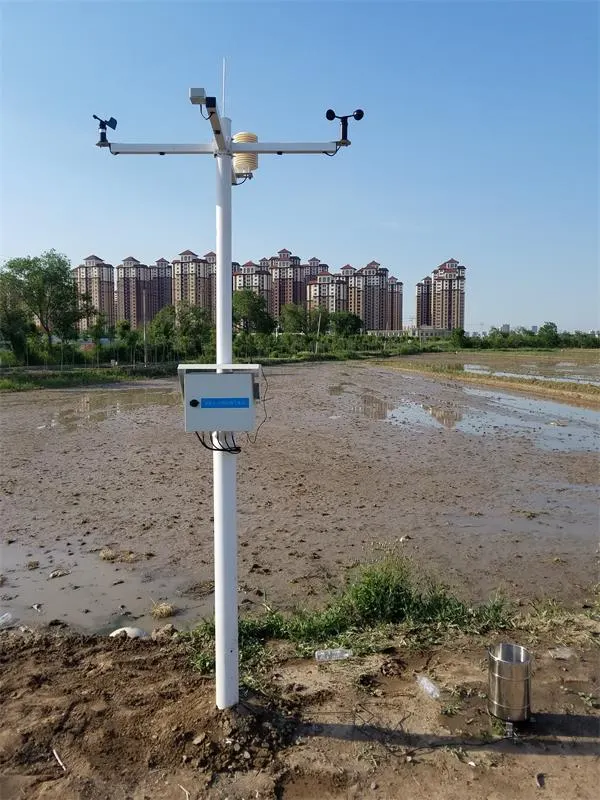
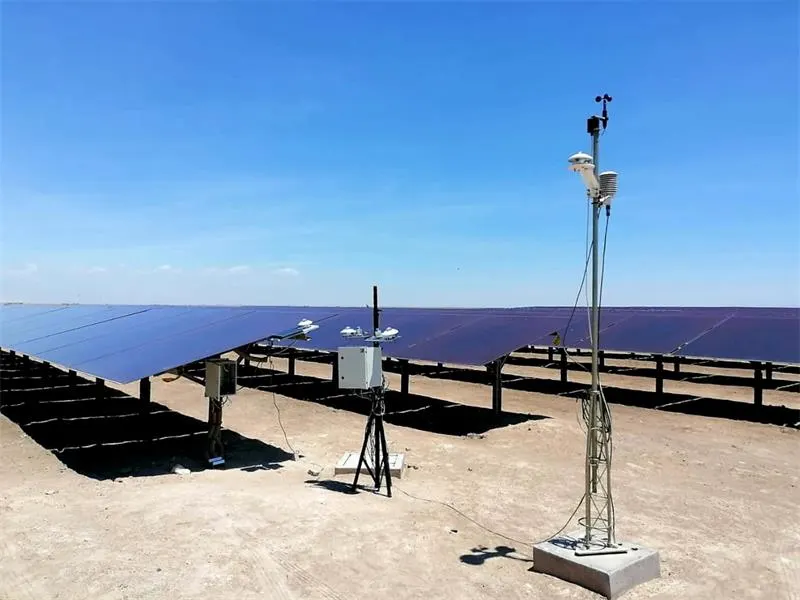
How to Keep Solar Monitoring Data Accurate and Reliable?
A monitoring system can collect and upload data normally without guaranteeing accurate measurements. To maintain solar monitoring data accuracy, operators should focus on three areas:
- Compare readings with actual conditions: Check solar irradiance against local weather, cloud cover, and historical data. Consider changes in solar elevation before treating unusual readings as sensor faults.
- Arrange sensor calibration: Solar sensor calibration checks measurement performance against a reference instrument. Follow the manufacturer’s recommended intervals and arrange calibration after repairs, physical damage, or persistent measurement deviations.
- Keep calibration records: Record calibration dates and results to track sensor performance and support long-term data comparison. These records also help operators identify changes in measurement performance over time.
Cleaning, inspection, and calibration serve different purposes. Regular data review and proper calibration records help operators identify measurement changes and assess data quality.For projects that require standardized performance monitoring, understanding the IEC 61724 monitoring requirements can help operators evaluate measurement equipment, data quality, and monitoring practices.
How to Troubleshoot Common Solar Monitoring System Problems?
When a solar monitoring station goes offline or reports unusual measurements, operators need to identify where the problem starts. It may involve the power supply, sensors, data logger, or communication system. The following checks cover common solar monitoring system inspection problems and how to troubleshoot them.
Solar Monitoring Station Keeps Losing Power
If a monitoring station shuts down repeatedly, especially at night or during cloudy weather, start with the power supply. Possible causes include a dirty or shaded solar panel, a deteriorating battery, a faulty charge controller, loose connections, or excessive power consumption.
Check the system in this order:
- Review battery voltage and charging records.
- Inspect the solar panel for dirt, shading, or damage.
- Check cables, terminals, and connectors.
- Review the charge controller’s status and fault indicators.
- Check battery condition against the station’s actual power load.
Solar Sensor Readings Are Incorrect
Unusual solar radiation or weather measurements do not always indicate a damaged sensor. Dirt, incorrect positioning, nearby obstructions, cable problems, or measurement drift can all affect the results.
First, inspect the sensor surface, mounting position, and surrounding conditions. Then check cable connections and data acquisition. If the measurements remain abnormal, compare them with a suitable reference instrument and arrange calibration when necessary. Do not replace the sensor until other possible causes have been ruled out.
Solar Monitoring Data Is Missing or Not Updating
Missing or outdated data may result from unstable power, sensor input problems, data logger faults, network interruptions, incorrect communication settings, or platform errors.
Start by confirming that the station has a stable power supply. Then check whether the data logger is recording local measurements before inspecting the network and monitoring platform.
The difference between local and cloud data can help locate the problem:
- Local data is available, but cloud data is missing: Inspect the network connection, communication settings, and upload process.
- Local data is also missing: Check the power supply, sensor inputs, and data logger channels.
Remote Monitoring Alerts Keep Triggering
Repeated alerts may point to an equipment problem or incorrect alarm settings. Review the alert log and note when each warning occurs. Compare the reported values with historical measurements and the station’s actual operating condition. Then check battery limits, sensor thresholds, and communication settings. Only adjust alarm rules after confirming that the equipment is working normally.
Regular checks can help identify the cause of a fault before it leads to repeated downtime. Preventive solar monitoring system maintenance is the next step in keeping the monitoring station operating properly.
How to Build a Reliable Solar Monitoring Maintenance Plan?
A clear solar monitoring maintenance plan helps operators organize inspections, track equipment condition, and schedule repairs before minor problems affect data collection. Inspection intervals should depend on the equipment, site environment, and manufacturer’s recommendations.
Use the following solar monitoring system maintenance checklist as a starting point and adjust it to actual operating conditions.
| Frequency | Main Inspection Tasks |
| Daily / Weekly | Check system online status, sensor readings, battery condition, and alerts |
| Monthly | Clean sensor surfaces and solar panels; inspect batteries, charge controllers, and communication connections |
| Quarterly | Inspect mounting structures, cables, enclosure seals, and signs of corrosion |
| Semi-Annual / Annual | Review sensor calibration requirements, inspect electrical protection, assess battery condition, and update maintenance records |
Dusty, humid, coastal, or extreme-temperature environments may require more frequent inspections. Follow the equipment manual when setting maintenance intervals.
Keep records of equipment models, serial numbers, installation dates, inspection results, calibration, battery replacement, communication failures, and repairs. These records help identify recurring faults, track equipment condition, and plan future solar monitoring system maintenance
Repair or replace components based on their actual condition. Loose mounts and dirty surfaces usually need cleaning or adjustment, while damaged cables and connectors may require replacement. Test batteries before replacing them, and inspect or calibrate sensors with persistent measurement deviations before deciding whether a new sensor is needed.

Заключение
Regular solar monitoring system maintenance includes checking system status and sensor readings, cleaning sensors and solar power panels, inspecting batteries and electrical connections, and verifying measurement accuracy through calibration and data reviews. These tasks help maintain data continuity, reduce unexpected equipment failures, and keep monitoring results reliable over time.
Choosing suitable solar monitoring sensors is just as important as maintaining them. Sensor selection should match the project’s measurement requirements, installation environment, and communication setup. Yantai Sensor develops and manufactures solar radiation sensors and weather monitoring equipment for different monitoring applications. If you are planning a new project or upgrading an existing system, свяжитесь с Yantai Sensor for product information, equipment recommendations, and technical support.